How to Make Your First Deposit on Vegas Queens Using GCash
Finding the Deposit Page After Logging Into Vegas Queens
Once you've completed your Vegas Queens register process and logged into your account, you'll need to add funds before you can play slots, live dealer games, or bet on PBA and NBA matches. The deposit page is easy to find on both mobile and desktop versions of the site.
After logging in with your Vegas Queens login credentials, look for a button labeled "Deposit," "Cashier," or a wallet icon. This is typically located in the top right corner of the screen on mobile devices. Some players see a peso symbol (₱) or a "+" icon instead. Tap this button to open the deposit interface.
If you're having trouble locating it, check the main menu—usually represented by three horizontal lines (a "hamburger menu") at the top of the page. The deposit option should appear prominently in that menu, often near the top alongside your account balance display.
Vegas Queens displays your current balance on the deposit page, which should show zero if this is your first deposit. You'll also see a list of available payment methods for Filipino players.
Selecting GCash as Your Payment Method and Entering PHP Amount
On the deposit page, Vegas Queens presents several payment options popular in the Philippines. Look for the GCash logo or the word "GCash" among the choices. Other options you might see include Maya, bank transfer via InstaPay, and PESONet, but for this guide we're focusing on GCash—one of the most convenient methods for Filipino players.
Tap or click on the GCash option. The interface will then ask you to enter your deposit amount.
Minimum and typical deposit amounts:
Vegas Queens sets a minimum deposit of PHP 100 when using GCash. This is the smallest amount the platform accepts for a single transaction. There's no need to deposit large amounts on your first try—many Filipino players start with PHP 100 to PHP 500 to test the platform and get comfortable with how deposits work.
Enter your desired amount in the field provided. Make sure the number you type is at least PHP 100. The interface may show an error message if you try to enter less than the minimum. Some players see a maximum limit as well, typically ranging from PHP 10,000 to PHP 50,000 per transaction, though this can vary.
Double-check the amount before proceeding. Once you've confirmed the number is correct, look for a button that says "Proceed," "Continue," or "Confirm Deposit."
After you tap that button, Vegas Queens will prepare to hand off the transaction to GCash. You may see a brief loading screen or a summary page showing:
- Payment method: GCash
- Amount: PHP [your amount]
- Any transaction reference number Vegas Queens has assigned
Review this information one more time. If everything looks correct, proceed to the next step.
Step-by-Step: Approving the Transaction in Your GCash App
This is where the actual money movement happens. Vegas Queens will redirect you to complete the payment through your GCash app or mobile web interface. The exact flow depends on whether you're using the GCash app installed on your Android phone or accessing GCash through a mobile browser.
If you have the GCash app installed:
- After confirming your deposit details on Vegas Queens, the site will attempt to open your GCash app automatically. You may see a pop-up asking for permission to open GCash—tap "Allow" or "Open."
- The GCash app will launch and display a payment request screen. This screen shows the merchant name (which may appear as "Vegas Queens" or a payment processor name), the amount in pesos, and a brief description of the transaction.
- Review the amount one more time. Make sure it matches what you entered on the Vegas Queens deposit page.
- GCash will ask you to confirm the payment. Depending on your app settings, you may need to enter your GCash MPIN (your four- or six-digit security code) or use biometric authentication (fingerprint or face unlock) to authorize the transaction.
- Enter your MPIN or complete the biometric scan. If you enter the wrong MPIN too many times, GCash may temporarily lock you out for security reasons, so type carefully.
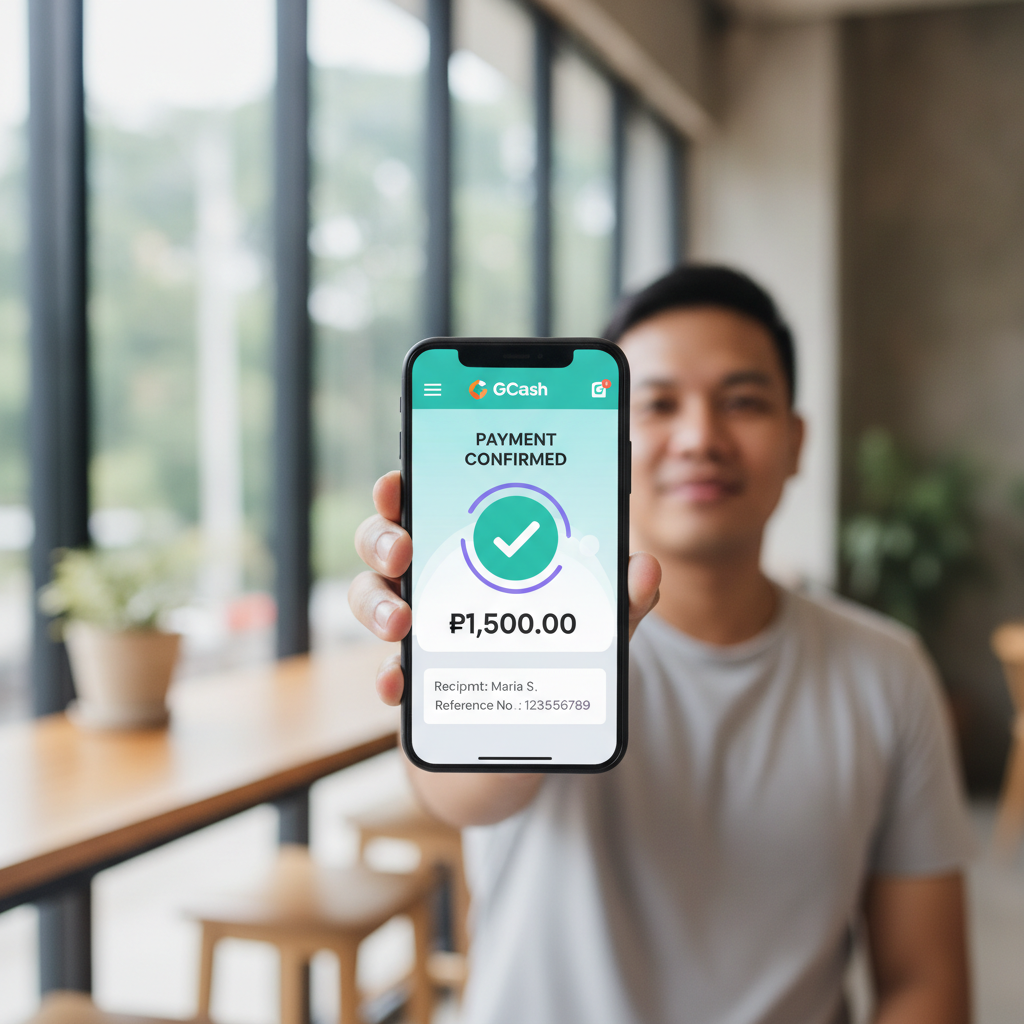
- After successful authentication, GCash processes the payment. You'll see a confirmation screen showing the transaction was successful, along with a transaction reference number. Take a screenshot of this screen if you want a record for your files.
- GCash will usually redirect you back to Vegas Queens automatically, or you can manually return to the Vegas Queens tab in your browser.
If you're using GCash through mobile web:
Some Android phones or browser settings don't automatically open the GCash app. Instead, you'll complete the payment on a GCash mobile website.
- Vegas Queens redirects your browser to a GCash login page.
- Enter your GCash mobile number and password (or MPIN, depending on the interface).
- Review the payment details displayed on the screen.
- Confirm the transaction by tapping the approval button and completing any additional authentication steps GCash requires.
- Once approved, you'll see a success message. The page will redirect you back to Vegas Queens.
Important tips:
- Make sure your GCash wallet has enough balance to cover the deposit amount. If your GCash balance is too low, the transaction will fail. You can cash in to your GCash account at 7-Eleven, through online banking, or via other GCash partner channels before attempting the Vegas Queens deposit.
- Keep your phone connected to mobile data or Wi-Fi throughout the process. A dropped connection can interrupt the transaction.
- Don't close the browser tab or app while the transaction is processing. Wait for the confirmation message.
How Long It Takes for Your Deposit to Appear in Your Vegas Queens Balance
After you've approved the GCash transaction, the next question is: when can you start playing?
Typical processing time:
Most GCash deposits to Vegas Queens are processed instantly or within a few minutes. In many cases, players see their balance update within 10 to 30 seconds of approving the transaction in GCash. This means you can move straight from the deposit page to the slots lobby, live dealer tables, or sports betting section and start placing bets right away.
Once the deposit completes, Vegas Queens will update your account balance automatically. You should see the new total displayed in the top corner of the screen where your balance is shown. Refresh the page or return to the main lobby if the balance hasn't updated after a minute.
What to do if your deposit is delayed:
Occasionally, a deposit may take a bit longer to appear—up to 10 or 15 minutes in rare cases. This can happen due to high transaction volume, maintenance on the GCash side, or temporary connectivity hiccups.
If your balance hasn't updated after 15 minutes:
- Check your GCash transaction history. Open the GCash app and look at your recent transactions. Confirm that the payment to Vegas Queens was deducted from your wallet. If you see the deduction, it means GCash sent the money.
- Return to the Vegas Queens deposit page and check for any pending transaction notices. Some platforms show a "processing" status for deposits that are in progress.
- Contact Vegas Queens customer support. Look for a "Help," "Support," or "Live Chat" button on the site. Provide them with your GCash transaction reference number and the deposit amount. Support teams can manually verify and credit delayed deposits.
Do not attempt a second deposit if the first one hasn't appeared yet and GCash has already deducted the money. Wait and contact support first to avoid accidentally depositing twice.
After your deposit is confirmed:
Once your balance shows the deposited amount, you're ready to play. You can browse the Vegas Queens slots library, join a live baccarat or roulette table, or place bets on the next PBA or NBA game. Remember that the minimum bet for most games is separate from the minimum deposit—many slots accept bets as low as PHP 1 to PHP 5 per spin, while live dealer tables and sports bets may have higher minimums.
Vegas Queens is designed for players aged 21 and over. If you're under 21, you are not eligible to register or play. Always set a budget before you start and only deposit money you can afford to lose. Gambling should be entertaining, not a way to solve financial problems. If you feel you're spending too much time or money on the platform, take a break or seek help from responsible gambling resources.
Using GCash for your first deposit on Vegas Queens is straightforward once you know the steps. The combination of a low PHP 100 minimum, instant processing, and the convenience of a mobile wallet makes it one of the most popular funding methods for Filipino players trying the platform for the first time.